
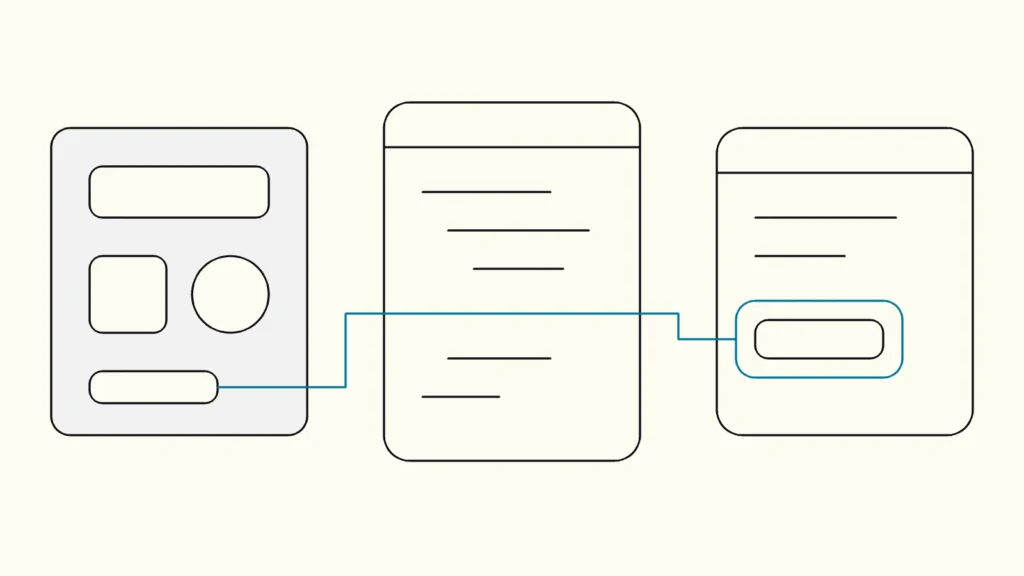
How designers, developers, content authors and product owners can share the work, so accessibility is built in every sprint instead of patched before launch.
In short
Web accessibility works when it is part of how a team designs, builds and tests, not a check at the end. Set WCAG 2.2 AA as the target, give each role clear responsibilities, put accessible patterns into the design system, annotate designs, write semantic code, test in every sprint and involve users with disabilities.
Web accessibility is the practice of making websites and apps usable for people with disabilities, including people who use screen readers, keyboards, magnification or voice control. This guide is written by Devies, a Gothenburg-based product and engineering consultancy, for product owners, design leads and engineering managers who want accessibility (tillgänglighet) to be a normal part of delivery rather than a recurring emergency.
What is universal design, and how does it relate to web accessibility?
Universal design is designing products and services to be usable by as many people as possible without the need for adaptation, and web accessibility is how that principle is applied to digital interfaces.
The UN Convention on the Rights of Persons with Disabilities defines universal design as the design of products, environments, programmes and services to be usable by all people, to the greatest extent possible, without the need for adaptation or specialised design. Swedish public bodies use the same idea under the name universell utformning.
The difference matters in practice:
Concept
What it is
Typical question
Universal design
What it is
A design principle: one solution that works for as many people as possible
Typical question
Does this flow work for everyone from the start?
Web accessibility
What it is
Applying that principle to websites and apps, usually measured against WCAG
Typical question
Can a keyboard or screen-reader user complete the task?
Accessibility adaptation
What it is
Retrofitting an existing product to remove barriers
Typical question
What do we fix first, and how much will it cost?
Assistive technology
What it is
Tools people use, such as screen readers and switch devices
Typical question
Does our code expose the right information to these tools?
A team that works by universal design spends less on adaptation later. A team that only adapts keeps paying for the same kind of fix.
Why does accessibility fail when it is left to the end?
Accessibility left to a final audit fails because most barriers are decided in design and component code, long before anyone tests.
A colour palette with low contrast, a custom dropdown without keyboard support, or a form without visible labels is copied into dozens of screens before it is caught. By then, fixing it means changing the design system, the components and every page that uses them. W3C's guide to planning and managing web accessibility makes the same point: integrate accessibility throughout production and evaluate early and regularly.
The fix is not more audits. It is moving each decision to the role that makes it.
How to build web accessibility into your team: eight steps
The core of the method is to make accessibility a shared definition of done, then give every role a concrete part of it.
- Set a clear target. Choose WCAG 2.2 level AA as the standard for new work. It covers WCAG 2.1 AA, which much of European law still refers to, so you build once. Put it in the definition of done for every story that touches the interface.
- Assign responsibilities by role. W3C's Accessibility Roles and Responsibilities Mapping (ARRM) assigns tasks to roles such as UX designer, visual designer, content author and front-end developer, as primary, secondary or contributor. Use it to decide who owns headings, contrast, focus order and alternative text.
- Put accessible patterns into the design system. Define colour tokens that meet 4.5:1 for normal text and 3:1 for large text and interface components, a visible focus style, targets of at least 24 by 24 CSS pixels and a type scale that survives 200 percent zoom. A component that is accessible once is accessible everywhere it is used.
- Annotate designs before handoff. Mark heading levels, landmarks, reading and focus order, labels, alternative text, error messages and every state: hover, focus, disabled, loading, empty and error. Developers should not have to guess what a screen reader should say.
- Write semantic code first. Use native HTML elements for buttons, links, lists, tables and form fields. Reach for ARIA only for custom widgets, and follow the ARIA Authoring Practices Guide for keyboard behaviour and roles.
- Write content that works for everyone. Descriptive headings and link texts, plain language, instructions that do not rely on colour or position, and error messages that explain how to fix the problem.
- Test in every sprint. Run automated checks in the pipeline and component tests for keyboard behaviour. Before a story is done, tab through it, zoom it and listen to it with a screen reader.
- Involve users with disabilities. Include people who use assistive technology in research and usability tests, at least for the journeys that matter most. They find the problems no checklist predicts.
Steps 3 and 4 give the biggest return. Accessible components and annotated designs remove whole categories of defects before a single line of feature code is written.
Who owns what in an accessible product team?
Every role owns part of website accessibility, and the product owner owns the priority.
Role
Owns
Typical failure if skipped
Product owner
Owns
Target, definition of done, priority of fixes
Typical failure if skipped
Accessibility stories never reach the sprint
UX designer
Owns
Structure, flows, focus order, error handling
Typical failure if skipped
Logical in the mock-up, confusing with a keyboard
Visual designer
Owns
Contrast, focus style, target size, zoom
Typical failure if skipped
Brand colours that fail contrast
Content author
Owns
Headings, link text, alternative text, plain language
Typical failure if skipped
"Read more" links and images without meaning
Front-end developer
Owns
Semantics, keyboard support, names, roles and states
Typical failure if skipped
Custom components a screen reader cannot use
Tester or QA
Owns
Manual checks and regression tests
Typical failure if skipped
Regressions after each release
A tillgänglighetskonsult or accessibility specialist is useful for training, reviews and audits, but cannot replace these roles. If one person owns all accessibility, it stops when that person is busy.
How do you know it is working?
You know accessibility is built in when new features pass review without a separate fix round, and when defects stop recurring in the same components.
Track a few simple signals:
- the number of accessibility defects found per release, and where they were introduced: design, content or code;
- the share of design system components with documented accessible behaviour and tests;
- the time from a reported barrier to a fix;
- the results of periodic manual audits of your critical journeys.
A periodic expert audit is still useful as a reality check, because it tests the whole journey rather than single components. Our guide to WCAG 2.2 and how to test it describes a practical test method.
Keep reading
From our work
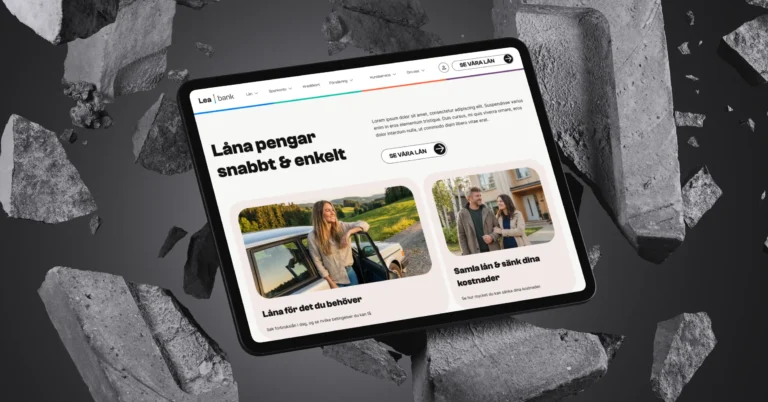 Client Case: Lea BankLea Bank rebuilt its digital platform with Strapi, React, GrowthBook, GA4, and BigQuery to improve SEO, A/B testing, and marketing autonomy.Read the case
Devies
Want a second opinion?
Devies, a Gothenburg-based product and engineering consultancy, works on questions like this with Nordic product and IT teams. Tell us where you are and we will suggest a sensible first step.
Frequently asked questions
What is the difference between web accessibility and universal design?
Universal design is a broad principle: design products, environments and services so that as many people as possible can use them without adaptation. Web accessibility applies that principle to websites and apps, usually measured against WCAG. A team that designs by universal design principles will meet most accessibility requirements by default, and needs far less retrofitting work later.
Who is responsible for accessibility in a product team?
Everyone who shapes the interface owns a part. Designers own structure, contrast and focus behaviour; content authors own headings, link text and alternative text; developers own semantics and keyboard support; testers own regression checks. The product owner sets the target and decides the priority of fixes. W3C's roles and responsibilities mapping is a practical way to agree who does what.
Should we hire an accessibility consultant or train the team?
Usually both, in that order of weight: train the team so accessibility becomes part of daily work, and use a specialist for audits, complex components and reviews. A consultant alone produces reports the team cannot act on, while a trained team without periodic outside review tends to miss journey-level problems and screen-reader details.
Does accessibility slow down product development?
It slows the first sprints slightly while patterns are set up, then speeds work up. Accessible components in the design system, annotated designs and automated checks remove whole categories of defects before they reach testing. The expensive path is retrofitting: fixing the same barrier across many screens after launch, often under a legal or procurement deadline.
Sources
- United Nations: Convention on the Rights of Persons with Disabilities, Article 2 Definitions
- W3C WAI: Planning and Managing Web Accessibility
- W3C WAI: Accessibility Roles and Responsibilities Mapping (ARRM), draft
- W3C WAI: ARIA Authoring Practices Guide
- W3C: Web Content Accessibility Guidelines (WCAG) 2.2