Benefits, costs and pitfalls of a headless CMS compared with WordPress, and how to choose.
In short
A headless CMS pays off for a marketing team when the same structured content must appear in several channels, or when a custom-built website or app needs content that editors can own. If you mainly need to edit a conventional website, WordPress is usually cheaper and sufficient. Decide based on which changes editors must publish without a developer.
Headless architecture is often sold as the way to free marketing from the development backlog. Sometimes it does exactly that. Sometimes it moves the bottleneck somewhere else and adds a second system to maintain. This guide, from Devies, a Gothenburg-based product and engineering consultancy, explains what changes, what it costs and how to decide.
What does a headless CMS mean?
A headless CMS is a content management system that stores and structures content but leaves the presentation to separate frontends, which fetch the content through an API.
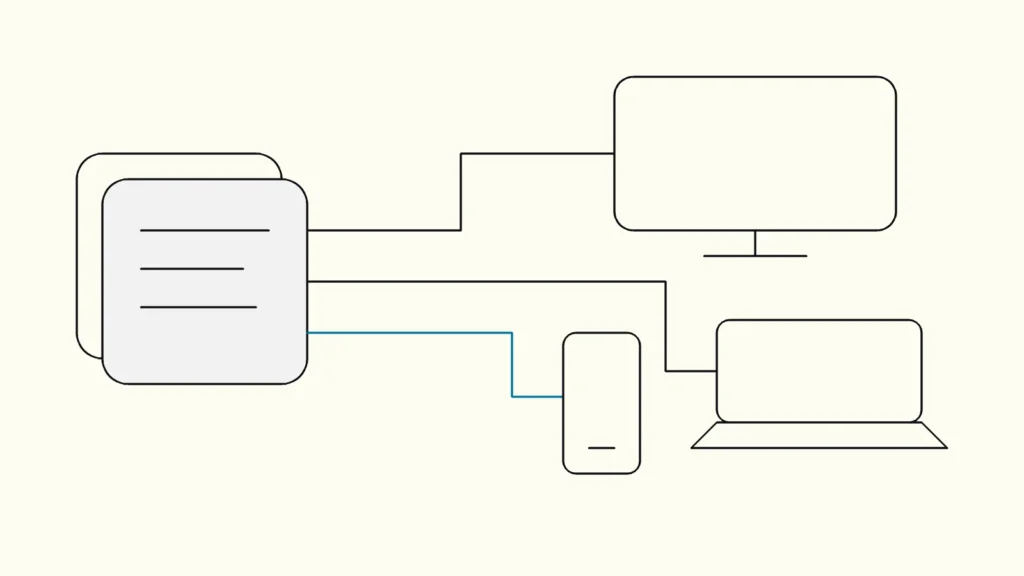
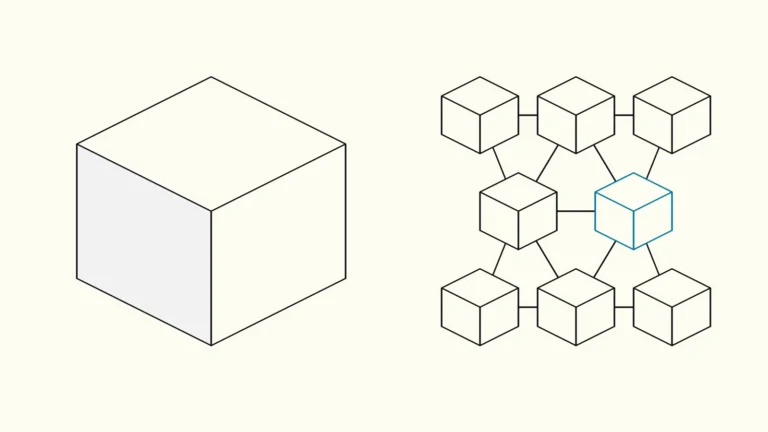
In a traditional CMS, content and presentation live together: the same system stores the text and renders the page the visitor sees. In a headless setup, content is managed in one place and delivered to one or more frontends, for example a website built in React, a mobile app or a screen in a shop.
That means you need two things instead of one: a tool where editors create and structure content, and a frontend that someone has built and maintains. Strapi's Content Manager documentation shows how editors create entries and move them between draft and published states in the admin interface, but how those entries become pages is decided entirely by the frontend code.
The line is not black and white either. WordPress has a REST API that lets you bring WordPress content into completely separate applications, so it can act as a content source for a decoupled frontend. The real question is less "WordPress or headless" and more which division of work you need between your editors and your web development team.
What are the pros and cons for marketing?
The main benefit is reusable, structured content across channels; the main cost is that you now run two systems and need developers for every new page element.
What you can gain
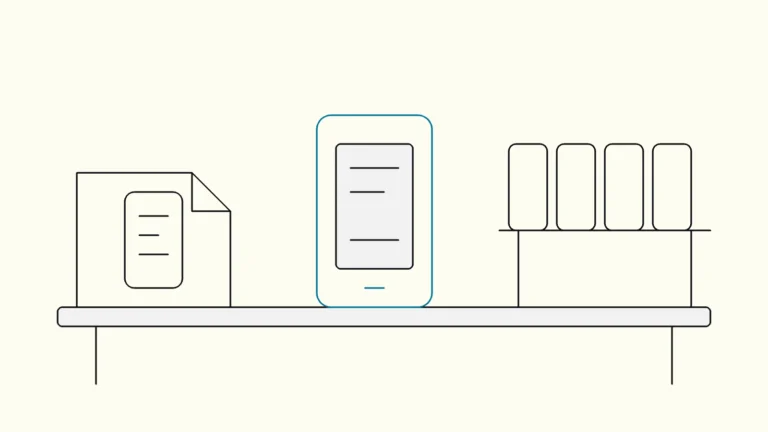
- Content reuse. A product block, an interest rate or an FAQ is written once and shown on the website, in the app and in other channels.
- A free frontend. Developers choose the technology and performance strategy without being limited by a theme and plugin system. This is often the reason when web development and app development need to share the same content.
- Clear content models. Well-designed content types mean editors fill in the right fields instead of building layouts by hand.
- A smaller exposed surface. The editing tool does not need to sit on the same server as the public website.
What you pay with
- Two systems to maintain. The CMS, frontend, hosting, build pipeline and integrations each have an owner and an update cycle.
- Preview takes work. Seeing a draft in its real context, on mobile and desktop, has to be configured, built and tested.
- New components need developers. If a campaign needs a new page element, it must be built before an editor can use it. A shared component library, often part of a design system, keeps that work predictable; we cover it in how to build a design system your developers can actually use.
- Search responsibility moves. Titles, canonical URLs, redirects, the sitemap and structured data only work if the frontend renders them correctly.
What does a headless CMS cost compared with WordPress?
There is no general price, but the cost always falls into the same six items, and the biggest one is usually building and maintaining the frontend, not the licence.
Cost item
Traditional CMS (e.g. WordPress)
Headless CMS
CMS licence or hosting
Traditional CMS (e.g. WordPress)
Often open source, hosting the only running cost
Headless CMS
Open source you host, or SaaS priced per user, environment or volume
Frontend
Traditional CMS (e.g. WordPress)
Theme and page builder, often partly ready
Headless CMS
Custom built, needs web development from the start
Content modelling
Traditional CMS (e.g. WordPress)
Less needed, the page builder decides
Headless CMS
Required up front, shapes the editor's daily work
Preview and roles
Traditional CMS (e.g. WordPress)
Often included
Headless CMS
Often needs configuration or custom work
Ongoing maintenance
Traditional CMS (e.g. WordPress)
Updates to core, theme and plugins
Headless CMS
Updates to CMS, frontend, dependencies and build pipeline
Migration
Traditional CMS (e.g. WordPress)
Low if you stay
Headless CMS
Content, media, URLs and redirects must be moved and tested
The table is general guidance, not a price list from any supplier. The pattern it shows is consistent, though. If no team can own the frontend after launch, headless becomes more expensive than the proposal suggests, because every change that is not a text edit lands on a developer who may no longer be there.
How does the editor experience change?
The editor experience depends less on the CMS product and more on the content model and components your developers build, so test it with your own team's real changes.
Ask the supplier to demonstrate the changes your team actually makes, and let an editor perform them rather than watching a developer click through a prepared example. Bring awkward cases: an updated rate, a translated campaign, an offer that expires and a correction that has to go live quickly.
Use this checklist in the demo:
- Can the editor preview a draft in its real context, including on mobile?
- Is publication status visible, and can someone find the last approved version?
- Are the roles and approval steps you need, for example per market or language, included in the edition and licence tier being quoted?
- Do editors have enough freedom for everyday work, and is there a clear route for requesting a new component?
- Who owns search fields, redirects and measurement, and do they appear correctly in the published HTML?
A content model that is too rigid recreates the bottleneck you wanted to remove. Too much freedom erodes consistency instead. That balance is set in the design of the components, not by the choice of CMS.
How do you decide if your team needs one?
Start by tracing your last few content changes: if delays came from permissions, templates or process rather than the platform, fix those first, and choose headless only when content must serve several channels or custom frontends.
Did the editor wait for access, a developer, an approval or a deployment? Was the problem the system or how it is used? Permissions, templates and workflow can often be fixed in the platform you already have.
Your situation
Sensible first step
One website, one channel, mostly text changes
Sensible first step
Keep your current CMS and review permissions and templates
Editors wait for technical tickets for routine changes
Sensible first step
Analyse workflow and content model; headless is one of several options
The same structured content must appear on the web and in an app
Sensible first step
A headless CMS is often a good fit
Custom customer journeys with coordinated releases
Sensible first step
Evaluate headless together with frontend architecture and integrations
No team can maintain a frontend
Sensible first step
Solve ownership before you migrate
If you decide to migrate, reduce risk by not changing design, rewriting content and switching technology at the same time. Inventory pages, content types, media, integrations and URLs. Build a representative set first: a campaign page, an article, a form and one important customer journey. Give marketing and engineering separate acceptance tests, and agree on backups, the release process and who owns security updates after launch.
Devies
Want a second opinion?
Devies, a Gothenburg-based product and engineering consultancy, works on questions like this with Nordic product and IT teams. Tell us where you are and we will suggest a sensible first step.
Frequently asked questions
Can marketing publish without developers using a headless CMS?
Yes, for routine changes, provided the content model, permissions and frontend components support them. Editors can then update text, images, offers and campaign pages built from existing components on their own. New page types, integrations and interactions still need development work, so agree where that boundary sits before you buy, and make it part of the acceptance tests.
Is a headless CMS automatically faster and better for SEO?
No. Speed and search visibility depend on how the frontend renders pages and handles images, caching and metadata, not on the headless label. A well-built WordPress site can perform as well as a headless one, and a poorly built headless frontend can be slower. Ask for measurements of the proposed solution and compare them with your current website before deciding.
Should we leave WordPress if our editors are frustrated?
Find the cause first. Permissions, plugins, templates and workflow can often be improved within WordPress at a fraction of the cost of a migration. Consider moving to a headless CMS when those fixes are not enough, when the same content must serve several channels, or when the fixes would cost more than a new system including its ongoing maintenance.
What is the difference between a headless CMS and a decoupled WordPress site?
A headless CMS is built only to store and deliver content through an API, with no public pages of its own. A decoupled WordPress site uses WordPress's REST API to feed a separate frontend while keeping WordPress's familiar editor. Both separate content from presentation; the choice depends on your editors' habits, existing plugins and how much custom content modelling you need.
Sources
- Strapi Docs, Content Manager
- WordPress Developer Resources, REST API Handbook
- Devies, Lea Bank digital platform case
- Devies, R&D services catalogue