
How a design system connects UX, UI and code, shortens lead times and keeps the product consistent.
In short
A design system that developers can actually build is a shared set of design tokens, coded components and documentation, with the same names in Figma and in the codebase. It works when components ship as real code with accessibility built in, one team owns it, and changes follow a release process. A Figma library alone is not enough.
Many teams have a beautiful component library in Figma and a codebase that looks nothing like it. The gap is rarely a lack of design talent. It is that nobody decided how a design decision becomes code, who maintains it and how changes reach the product. This guide, from Devies, a Gothenburg-based product and engineering consultancy, covers the parts that make the difference.
Why does a product team need a design system?
A design system is a shared, versioned set of design decisions, components and guidelines that designers and developers both build from, so the same problem is solved once instead of on every screen.
In Swedish teams it is often called a designsystem, and the problem it solves is the same everywhere. Without one, every new feature brings small variations: a button with slightly different padding, a third shade of grey, a form field that handles errors its own way. Each variation is cheap on its own. Together they slow down UI design, make reviews longer and leave users with a product that feels stitched together.
The system addresses three costs at once:
- Repeated work. Designers stop redrawing and developers stop rebuilding the same patterns.
- Inconsistency. Shared components behave the same way on every screen, which supports good UX design because users learn a pattern once.
- Accessibility debt. Contrast, focus states and keyboard behaviour are solved in the component, not fixed page by page after an audit.
That last point has become more pressing. As of October 2026, the European Accessibility Act (Directive (EU) 2019/882), implemented in Sweden through the Accessibility Act (tillgänglighetslagen), has applied since 28 June 2025 to many consumer-facing digital services, including e-commerce and consumer banking. Building accessibility into components is the most scalable way to keep up.
What are design tokens and components?
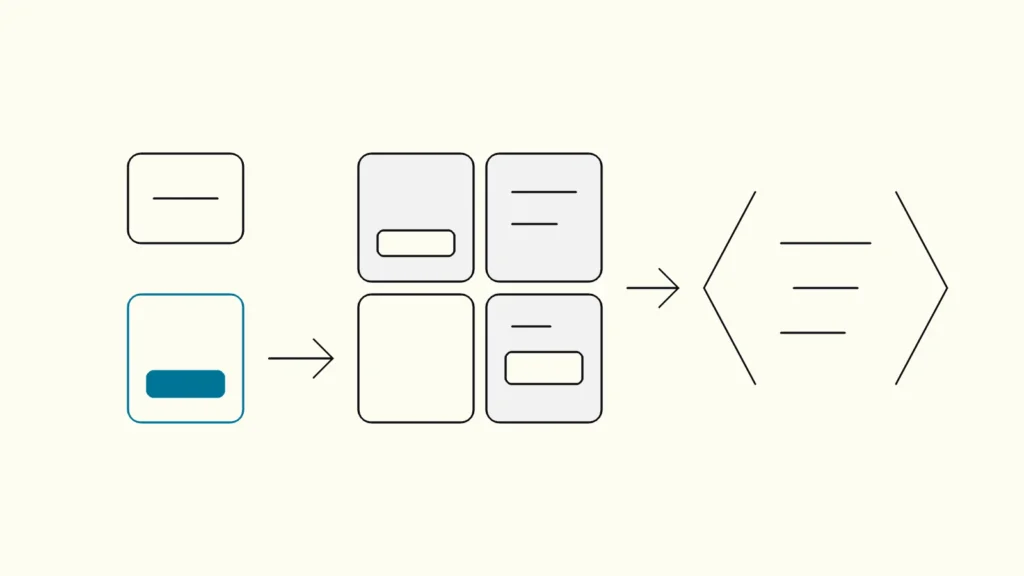
Design tokens are named values for colour, spacing, typography and similar decisions, and components are reusable interface parts built from those tokens; together they are the layer that both Figma and the codebase consume.
A token is a decision with a name, for example color.text.primary or space.4, stored once and referenced everywhere. Good tokens describe a role, not a value: color.text.primary survives a rebrand, blue-700 does not. As of October 2026, the Design Tokens Format Module 2025.10, published by the W3C Design Tokens Community Group on 28 October 2025, offers a stable, vendor-neutral JSON format for tokens. It is a community report, not a W3C Standard, but tooling increasingly supports it.
Components sit on top of tokens. A button component uses tokens for colour and spacing and adds behaviour: states, keyboard handling, loading and disabled modes. The useful structure has three layers:
Layer
What it contains
Who changes it
Foundation tokens
What it contains
Raw palette, type scale, spacing scale
Who changes it
System team, rarely
Semantic tokens
What it contains
Roles such as text, surface, border, danger
Who changes it
System team, with review
Components
What it contains
Buttons, inputs, dialogs, tables, built from semantic tokens
Who changes it
Product teams propose, system team accepts
Accessibility belongs in this layer. WCAG 2.2, the current W3C Recommendation as of October 2026, requires a contrast ratio of at least 4.5:1 for normal text and a visible keyboard focus indicator. When those rules are encoded in tokens and components, every screen inherits them.
How do you hand off from Figma to code?
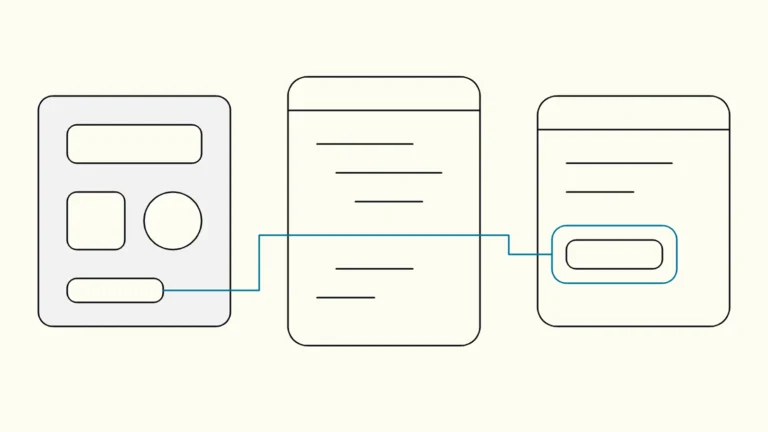
The handoff works when Figma and code share one vocabulary: the same token names, the same component names and the same variants, with code treated as the source of truth for behaviour.
Handoff fails when a designer exports a mock-up and a developer interprets it. It works when both sides point to the same named parts. Use this checklist:
- Mirror the names. A component called Button / Secondary / Small in Figma has a matching component and props in code.
- Sync tokens from one source. Export tokens from a single file into Figma variables and into CSS or platform code, so neither side edits values by hand.
- Document in the code. A component workshop such as Storybook shows every component and state as it actually renders, which is what developers trust.
- Design with existing components first. New screens are assembled from the library; anything new is flagged as a proposal, not slipped in.
- Include the states. Empty, error, loading and focus states are part of the spec, not left for the developer to invent.
This is where UX UI work and engineering meet. A designer who knows which components exist designs faster, and a developer who receives a screen built from known parts can estimate it reliably. The same discipline matters for marketing sites: a headless setup only gives editors freedom if the components behind it are well defined, as we discuss in when a marketing team needs a headless CMS.
Who should own the system once it exists?
A design system needs a named owner, usually a small cross-functional team of a designer and a developer, plus a simple process for proposing, reviewing and releasing changes.
Without ownership, the library drifts: teams fork components to meet a deadline and never merge them back. A governance model does not need to be heavy. It needs answers to four questions:
- Who decides? One accountable owner for tokens and core components.
- How are changes proposed? A product team opens a request with the use case, not a finished design.
- How are changes released? Version the component package, write a changelog and flag breaking changes.
- How is adoption tracked? Measure which screens use library components and which use local copies.
Start small. Ten well-built components that cover most screens are worth more than eighty half-finished ones. Add components when two or more teams need the same pattern, not before.
What return can you expect from a design system?
The return comes from shorter lead times for new screens, fewer design and accessibility defects, and less rework, and you should measure it against your own baseline rather than borrowed industry figures.
Published percentages vary widely and depend on the starting point, so measure your own. Before you start, record a baseline for a few numbers:
- Time from approved design to shipped screen for a typical feature.
- Number of UI and accessibility defects found in testing or audits.
- Share of screens built from shared components.
- Time spent in design review on spacing, colour and state questions.
Re-measure after two or three releases. If lead times are not shrinking and adoption is low, the problem is usually ownership or naming, not the idea. The cost side is real too: the system takes ongoing time from at least one designer and one developer. It pays off when several teams or products share it, and rarely for a single small app that changes little.
Keep reading
From our work
 Client Case: Lea BankLea Bank rebuilt its digital platform with Strapi, React, GrowthBook, GA4, and BigQuery to improve SEO, A/B testing, and marketing autonomy.Read the case
Devies
Want a second opinion?
Devies, a Gothenburg-based product and engineering consultancy, works on questions like this with Nordic product and IT teams. Tell us where you are and we will suggest a sensible first step.
Frequently asked questions
What is the difference between a design system and a UI kit?
A UI kit is a collection of visual components, usually in a design tool such as Figma. A design system adds the parts that make it usable in production: design tokens, coded components with states and behaviour, documentation, an owner and a release process. A UI kit helps designers draw faster; a design system helps the whole team ship consistent, accessible interfaces faster.
How long does it take to build a design system?
A useful first version, with tokens and around ten core components in Figma and code, can typically be built over a few months alongside product work rather than as a separate project. A complete system grows over years. Start with the components your screens use most, release them early and add new ones only when two or more teams need the same pattern.
Do we need a design system if we only have one product?
Not always. A single small product with one team can manage with a shared Figma library and a tidy component folder. A design system becomes worth the investment when several teams, products or platforms share the same interface, when accessibility requirements apply, or when inconsistencies and rework already slow down UX design and development. Measure your lead times and defects before deciding.
What are design tokens in simple terms?
Design tokens are named values for design decisions such as colours, spacing, font sizes and shadows. Instead of writing a hex code in fifty places, designers and developers reference a name like color.text.primary. When the value changes, it updates everywhere. Tokens are stored once, often as JSON, and exported to Figma, CSS and mobile platforms so every surface stays in sync.