An audit is only as useful as its scope, its method and the report you get back. This is what a complete accessibility audit contains, step by step, and what to ask for before you sign.
In short
An accessibility audit is a structured, mainly manual evaluation of a website or app against a stated standard, usually WCAG 2.2 level AA. A complete audit defines the scope, selects a representative sample including whole user journeys, tests every success criterion in scope, reports each failure with its location and impact, and ends with a retest of fixed issues.
An accessibility audit (tillgänglighetsgranskning in Swedish) is a common requirement once a law, a customer or a procurement process asks you to show that your digital service is accessible. This explainer is written by Devies, a Gothenburg-based product and engineering consultancy, for product owners, digital managers and compliance leads who are about to commission or receive an audit. Whether you need a manual audit or automated testing is a separate question, covered in our comparison of automated accessibility testing or a manual audit. This article opens up the audit itself.
What is an accessibility audit?
An accessibility audit is an evaluation by trained people of how well a defined digital product meets a stated accessibility standard, documented so that others can check and act on the result.
Three words in that definition matter. Defined means the audit has an explicit scope: which pages, screens, journeys, browsers and devices. Stated standard means a version and level, for example WCAG 2.2 level AA, rather than "accessible" in general. Documented means each finding can be traced to a criterion, a place in the product and a way to reproduce it.
A WCAG audit is the same thing with the standard named in the title. An accessibility report is the written result of the audit. Neither is a certificate: WCAG itself defines conformance, but there is no official W3C certification of websites.
The W3C publishes a methodology for this work, WCAG-EM, the Website Accessibility Conformance Evaluation Methodology. Its 2.0 version was published as a W3C Group Note in July 2026 and describes five steps: define the evaluation scope, explore the product, select a representative sample, evaluate it and report the findings. A good audit follows that shape, whether or not the provider names it.
What does an accessibility audit include, step by step?
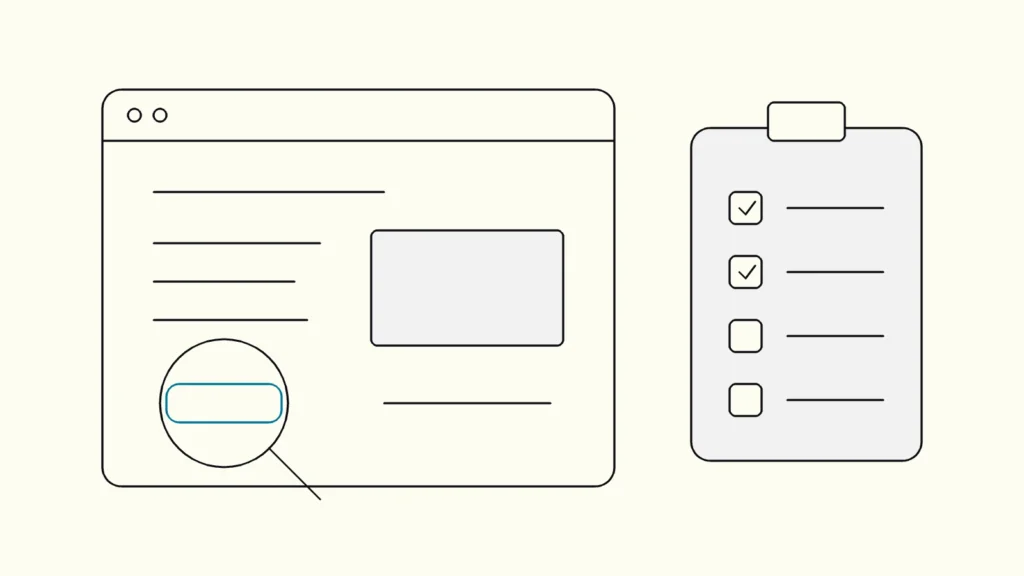
A complete audit moves from scope to sample to testing to report to retest, and each step produces something you can review.
- Scope and conformance target. The provider and you agree on the product, the standard and level (for example WCAG 2.2 AA), and the browsers, assistive technologies and devices the result should hold for.
- Exploration. The auditor maps the product: common page types, essential functions such as login, search, checkout or forms, and the technologies used.
- Sample selection. A structured sample covers every template and key component, a random sample checks that the structured one is representative, and complete processes are included from start to finish. WCAG conformance applies to full pages and complete processes, so testing step two of a five-step checkout is not enough.
- Testing every criterion in scope. Each sample is tested with keyboard only, at least one screen reader, 200 percent zoom and a narrow viewport, plus code inspection and automated checks as support. Each success criterion is marked as passed, failed or not applicable.
- Report. Findings are written up with location, criterion, user impact, steps to reproduce and a suggested fix.
- Walk-through. The auditor goes through the main findings with designers and developers so the fixes are understood.
- Retest. After fixes, the failed items are tested again and the report is updated with the new status.
Many audits also include a short review of the accessibility statement or other published compliance information, because that text must match what the audit actually found.
What should the audit report contain?
The audit report should let a developer fix each problem without a meeting, and let a manager see the overall status in one page. A useful report contains:
Part of the report
What it contains
Who uses it
Summary
What it contains
Overall result, the most serious barriers, a short list of priorities
Who uses it
Management, product owner
Scope and method
What it contains
Standard and level, sample, tools, browsers and assistive technologies, dates
Who uses it
Compliance, future auditors
Results per criterion
What it contains
Each success criterion in scope: passed, failed or not applicable
Who uses it
Compliance, accessibility statement
Findings
What it contains
Location, criterion, user impact, steps to reproduce, screenshot, suggested fix
Who uses it
Designers and developers
Severity
What it contains
How badly each finding blocks or slows users, so work can be prioritised
Who uses it
Product owner
Retest status
What it contains
Which findings are fixed, partly fixed or still open
Who uses it
Everyone
Ask for the findings in a format your team can import into its backlog, such as a spreadsheet or issue tracker export. A PDF alone tends to be read once and filed.
What does an audit not include?
An audit tells you where a product fails a standard at a point in time; it does not fix the product, guarantee legal compliance or replace testing with disabled users.
- It does not cover what is out of scope. Pages, PDFs, apps or third-party widgets outside the agreed sample are not assessed, even if they are linked from tested pages.
- It is a snapshot. Every release after the audit can introduce new barriers. Automated checks in the pipeline catch some regressions; manual retesting of changed journeys catches the rest.
- It is not usability testing. W3C notes that involving users with disabilities identifies usability issues that conformance evaluation alone does not find. Combine both for critical services.
- It is not a legal opinion. The auditor can say which criteria fail, not whether a regulator would take action.
Why do Swedish organisations commission accessibility audits?
Swedish organisations commission them mainly because two laws require their digital services to meet accessibility requirements, and an audit is the evidence behind what they publish.
As of November 2026, public bodies are covered by the law on accessibility to digital public service, lag (2018:1937), often called the DOS law, which requires an accessibility statement. Its supervisory authority DIGG runs a simplified monitoring that uses only automated tests on a sample of pages, alongside in-depth monitoring. A clean result in automated monitoring is therefore not the same as a clean audit.
Companies offering certain consumer services, including e-commerce and consumer banking, are covered by lag (2023:254) om vissa produkters och tjänsters tillgänglighet, in force since 28 June 2025. Services provided by micro-enterprises are exempt from its accessibility requirements, and the law sets a sanction fee of 10,000 to 10,000,000 kronor. Its transition rules allow some existing service contracts and products to continue until 27 June 2030 at the latest.
Under the DOS law, DIGG's regulations (MDFFS 2019:2 as amended by MDFFS 2021:2, 5 §) require EN 301 549 V3.2.1 Annex A, which means WCAG 2.1 AA. Lag (2023:254) and förordning (2023:676) do not name a standard, and a harmonised standard gives a presumption of conformity only once it is cited in the EU Official Journal; as of November 2026 no citation under the EAA has been found. EN 301 549 version 4.1.1, based on WCAG 2.2, was published in September 2026 and is not yet cited. Auditing against WCAG 2.2 AA today covers both the current and the coming target. Our guide to WCAG 2.2 explains the difference between the versions, and our article on how to write an accessibility statement shows how to turn audit results into the published text.
Keep reading
From our work
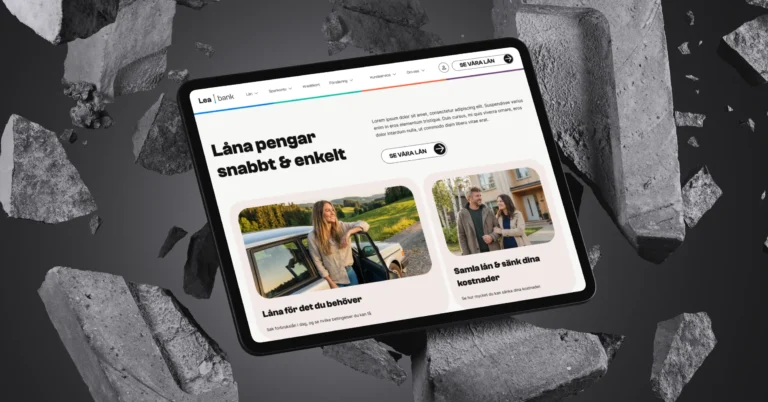 Client Case: Lea BankLea Bank rebuilt its digital platform with Strapi, React, GrowthBook, GA4, and BigQuery to improve SEO, A/B testing, and marketing autonomy.Read the case
Devies
Want a second opinion?
Devies, a Gothenburg-based product and engineering consultancy, works on questions like this with Nordic product and IT teams. Tell us where you are and we will suggest a sensible first step.
Frequently asked questions
How long does an accessibility audit take?
It depends on the scope. A small website with a few templates and one form can be audited in a few days, while a product with many templates, logged-in areas and several apps can take weeks. The size of the sample, the number of complete processes and the platforms in scope drive the effort more than the number of pages. Agree the scope in writing before the work starts.
What is the difference between an accessibility audit and an accessibility test?
An accessibility test is any check of accessibility, from a quick automated scan to a keyboard walk-through of one form. An accessibility audit is a structured evaluation of a defined scope against a stated standard and level, with every criterion in scope assessed and documented. Tests can be part of an audit, but only an audit gives a documented basis for an accessibility statement or conformance claim.
Can an accessibility audit certify that our website is compliant?
No. An audit documents which WCAG success criteria pass and fail for a defined scope at a given time. W3C does not certify websites, and Swedish law does not require a certificate. What regulators look at is whether the service meets the requirements and, for public bodies, whether the accessibility statement is accurate. The audit report is evidence for that, not a guarantee.
How often should we repeat an accessibility audit?
Repeat the manual audit when something significant changes: a redesign, a new design system, a new login, checkout or form flow, or a new app. Between audits, keep automated checks in the build pipeline and retest changed journeys by hand. Many organisations also review their accessibility statement once a year, which is a natural moment to check whether a fresh audit is needed.
Sources
- W3C: Website Accessibility Conformance Evaluation Methodology (WCAG-EM) 2.0, Group Note, July 2026
- W3C: Web Content Accessibility Guidelines (WCAG) 2.2
- W3C WAI: Involving Users in Evaluating Web Accessibility
- DIGG: Förenklad övervakning
- Riksdagen: Lag (2023:254) om vissa produkters och tjänsters tillgänglighet
- Riksdagen: Lag (2018:1937) om tillgänglighet till digital offentlig service