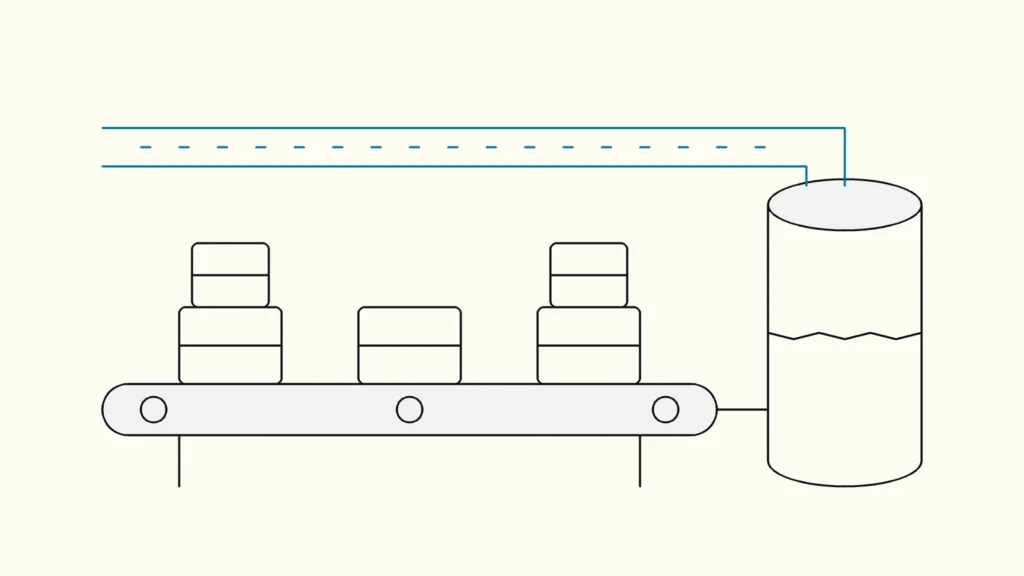
How batch, micro-batch and streaming differ in latency, cost and complexity, and how to decide which data flows actually need to be real-time.
In short
Batch processing collects data and processes it on a schedule, such as nightly or hourly; real-time processing handles each event within seconds of it happening. Batch is cheaper, simpler and enough for most reporting. Choose real-time only where a person or system must act within minutes, such as fraud checks, machine alarms or stock levels, and keep everything else in batch.
"We want real-time data" is one of the most common requirements in data projects, and one of the most expensive when taken literally. Behind it there is usually a real need, such as reacting faster to stock-outs or seeing today's sales, but rarely a need for every number to update every second. This comparison from Devies, a Gothenburg-based product and engineering consultancy, helps data leads and business owners decide where real-time data (realtidsdata) pays off and where batch processing is the better answer.
What are batch processing and real-time processing?
Batch processing is the handling of data in groups at set times: a job collects everything that arrived since the last run, transforms it and loads the result. Nightly loads from an ERP system into a data warehouse are the classic example.
Real-time processing, also called stream processing, handles data continuously as events arrive, so results are available seconds or less after something happens. A sensor reading, a card payment or a click is processed on its own or in a short window rather than waiting for the next scheduled run.
Between the two sits a middle ground that most modern platforms use:
- Micro-batch: small batches every few seconds or minutes. Apache Spark Structured Streaming works this way by default; Azure Databricks documents default latency of around three to five seconds.
- Incremental batch: a scheduled job that processes only new data since the last run. Databricks' AvailableNow trigger is designed for this, using streaming technology on a batch schedule.
- Low-latency streaming: Databricks' real-time mode targets end-to-end latency under one second for operational uses such as fraud detection.
"Real-time" in business conversations often means "fresher than tomorrow morning". Clarifying the actual latency needed is the most valuable step in the whole decision.
How do batch and real-time compare?
The table compares the three practical options across the criteria that usually decide the choice.
Criterion
Batch
Micro-batch or incremental
Streaming (real-time)
Typical latency
Batch
Hours to a day
Micro-batch or incremental
Minutes
Streaming (real-time)
Seconds or less
Running cost
Batch
Lowest; compute runs briefly
Micro-batch or incremental
Moderate
Streaming (real-time)
Highest; compute runs continuously
Build complexity
Batch
Low
Micro-batch or incremental
Moderate
Streaming (real-time)
High: ordering, late events, state, duplicates
Operations
Batch
Rerun the job on failure
Micro-batch or incremental
Checkpoints and monitoring
Streaming (real-time)
Always-on monitoring and on-call response
Fixing bad data
Batch
Reload the batch
Micro-batch or incremental
Replay from checkpoint
Streaming (real-time)
Harder; results may already have triggered actions
Typical sources
Batch
ERP, finance, CRM exports
Micro-batch or incremental
Databases with change data capture, files
Streaming (real-time)
Sensors, payments, clickstreams, event buses
Best for
Batch
Financial reporting, planning, history
Micro-batch or incremental
Operational dashboards, daily follow-up
Streaming (real-time)
Alarms, fraud checks, live tracking, personalisation
Cost is the criterion most often underestimated. A streaming job keeps compute running around the clock, and Databricks warns that an untuned default trigger, which checks for new data every few milliseconds, can generate a high volume of storage API calls and unexpected charges. Operations are the second: an always-on flow needs someone to respond when it stops at 03:00.
When should you choose batch processing?
Choose batch processing when decisions are made on a daily or weekly rhythm, when data comes from systems that close periods, or when correctness matters more than speed.
Choose batch when
- The data feeds financial reports, budgets or board material, where figures must reconcile with the books.
- The source system only exports data periodically or is sensitive to load during working hours.
- Users look at the result once a day or less; most KPI dashboards leaders actually use are reviewed weekly.
- You need to reprocess history easily when a business rule changes.
- The team is small and cannot support always-on operations.
Many "real-time" requests are solved by moving a nightly batch to an hourly incremental one. Refresh limits matter here: for example, Power BI Premium Per User allows 48 scheduled refreshes per day, according to Microsoft's Fabric licensing documentation, which already gives half-hourly freshness for import models.
When do you need real-time data?
You need real-time data when the value of acting disappears within minutes, and when someone or something is ready to act on it immediately.
Choose real-time when
- A machine, vessel or vehicle must be monitored live and alarms raised as conditions change.
- Payments, logins or orders must be checked for fraud before they complete.
- Stock levels, prices or capacity are shown to customers and must be correct now.
- An application reacts to user behaviour within the same session.
Devies built a live view of this kind for Cetasol's iHelm platform, where users can follow vessels live or replay the last 48 hours with gauges for engine status, alongside a performance page and weekly per-vessel reports. The same product mixes live monitoring with scheduled reporting, which is typical: few products are only one or the other.
In Microsoft's stack, Real-Time Intelligence in Fabric provides eventstreams for ingestion, eventhouses for time-based analysis and Activator for alerts and actions. Microsoft notes that the data does not have to flow at high rates; the point is to react to events as they happen rather than on a schedule. Our comparison of Microsoft Fabric, Databricks and Snowflake covers how the platforms differ more broadly.
How do you combine both in one architecture?
Most companies end up with a mostly-batch platform and a few streaming flows, sharing storage and definitions. A practical pattern:
- Classify each data flow by required latency: daily, hourly, minutes or seconds. Ask what action follows and how fast.
- Default to batch or incremental batch for everything that does not need minutes.
- Stream only the flows with a clear action, and land them in the same lakehouse or warehouse so history is available for analysis.
- Use the same business definitions for streamed and batch data, so live and historical figures agree.
- Design for failure: checkpoints, replay and alerts, as described in our guide to data pipelines that do not break.
- Review latency needs yearly. Flows that started as streaming sometimes turn out to be read once a day.
The goal is not the newest architecture but the cheapest one that meets each decision's real deadline.
Keep reading
From our work
 Client Case: Stena LineStena Line modernised its Azure data platform - improving Power BI reliability, reducing pipeline runtimes and scaling with medallion architecture.Read the case
Devies
Want a second opinion?
Devies, a Gothenburg-based product and engineering consultancy, works on questions like this with Nordic product and IT teams. Tell us where you are and we will suggest a sensible first step.
Frequently asked questions
What is the difference between batch and stream processing?
Batch processing collects data and processes it in groups at scheduled times, for example every night or every hour. Stream processing handles each event continuously as it arrives, so results are available within seconds. Batch is simpler and cheaper to run and easy to reprocess; streaming gives low latency but needs always-on compute, careful handling of late or duplicate events and more operational support.
Is near-real-time good enough?
For most business uses, yes. Near-real-time, meaning updates every few minutes through micro-batch or frequent incremental loads, covers operational dashboards, daily follow-up and most customer-facing status information. True sub-second streaming is needed mainly for fraud checks, safety alarms, live tracking and in-session personalisation. Start by asking what action follows the data and how quickly it must happen.
Is real-time data more expensive than batch?
Usually, yes. Streaming jobs run continuously, so compute costs accrue around the clock, and they need monitoring and someone to respond to failures at any hour. Batch jobs run briefly and can be rerun. The difference narrows with serverless and incremental options, but the operational cost of an always-on flow remains. Reserve streaming for flows where faster action has clear value.
Can Power BI show real-time data?
Power BI can show frequently refreshed data through scheduled refresh, DirectQuery against a live source or streaming options, and in Microsoft Fabric it connects to Real-Time Intelligence and eventhouses. Import models refresh on a schedule, with limits that depend on licence. For true live monitoring with alerts, Fabric's Real-Time dashboards and Activator are designed for it; a standard report is better suited to periodic review.