This role turns a working flow into an interface people can read, trust and operate. Here is what the job involves day to day, what it produces and how to tell a strong interface designer from a decorator.
In short
A UI designer designs the visible, interactive layer of a digital product: layout, typography, colour, components and every state a screen can be in. The work turns flows into screens developers can build, keeps the product consistent through a design system, and makes sure the interface meets accessibility requirements such as contrast, target size and visible focus.
A UI designer is the person who decides what each screen looks like and how each control behaves on the surface: where things sit, how big they are, what a button looks like when it is pressed, disabled or loading. This explainer is written by Devies, a Gothenburg-based product and engineering consultancy, for product owners, founders and engineering leads who are writing a job ad, briefing a consultant or trying to understand why their product feels inconsistent. If you are still deciding between UX and UI help, start with our comparison of UX vs UI design; this article goes deeper into the role itself.
What is a UI designer?
A UI designer is a designer who specialises in the user interface: the screens, controls and visual language through which people operate a product.
UI design is the practice of making that interface clear, consistent, accessible and recognisably on brand. It sits between the structure decided in UX work and the code written by developers. The UK government's digital capability framework describes a closely related role, the graphic designer, as someone who "creates graphic elements that underpin interaction and service design". That phrase captures the point well: in product work, visual design serves the interaction. It is not decoration added at the end.
Three ideas define the role:
- Hierarchy. The most important thing on a screen should be the most visible, and the user should know what to do next without reading everything.
- Consistency. The same action should look and behave the same everywhere, so people learn the product once.
- States. Every element has more than one appearance: default, hover, focus, pressed, disabled, loading, error and empty. The designer draws all of them, not only the happy path.
What does a UI designer do day to day?
Day to day, the job is to turn flows and wireframes into finished screens, builds and maintains reusable components, and works with developers until the built product matches the intent.
A typical week in a product team mixes these activities:
- Translating structure into screens. Taking a wireframe or tested prototype and deciding layout, spacing, type sizes and colour for each breakpoint, from a 320-pixel phone to a wide desktop.
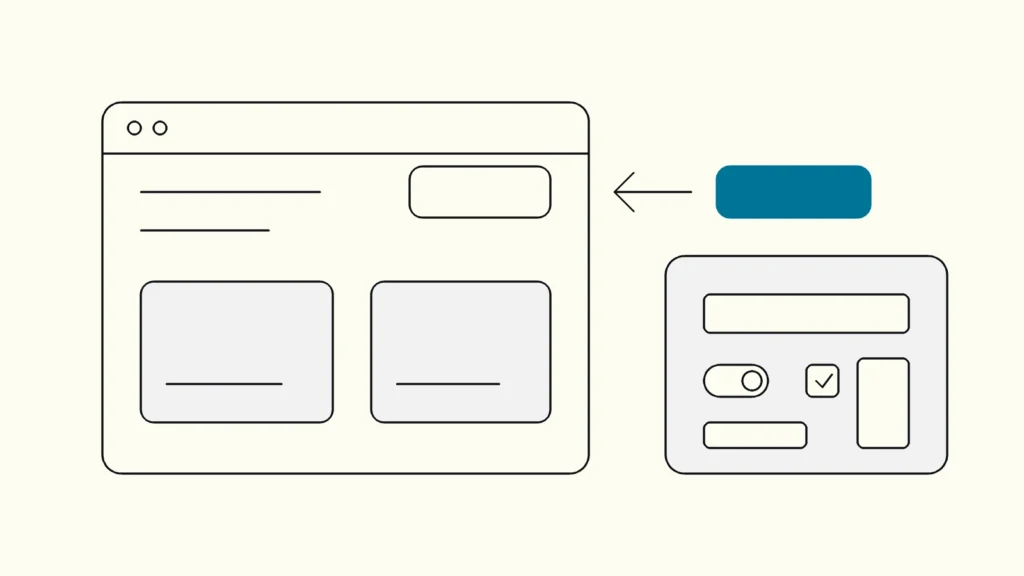
- Designing components. Buttons, inputs, tables, cards, dialogs and navigation, each with its variants and states, so screens are assembled rather than drawn from scratch.
- Defining tokens. Naming the colours, type sizes, spacing steps and corner radii that the whole product uses, so a change in one place carries through.
- Checking accessibility at the source. Contrast between text and background, a visible focus indicator, and touch targets that are large enough. WCAG 2.2 sets, for example, a minimum target size of 24 by 24 CSS pixels at level AA, with listed exceptions.
- Reviewing built features. Looking at the feature in a test environment and logging the gaps between design and code before release.
- Working with brand. Making the product recognisable without letting brand rules break legibility or usability.
The best interface designers spend a surprising share of their time talking to developers. A design that ignores how components are built tends to be slow and expensive to implement, and drifts from the code within weeks.
What does a UI designer deliver?
The role delivers the artefacts a team needs to build the interface the same way every time: screens, a component library, tokens and specifications. A useful hand-over usually contains these six things:
- Key screens at each breakpoint, with real content lengths rather than placeholder text, so long names and translations are tested early.
- A component library with variants and states, ideally mirrored one to one by components in code. Our guide to design systems from Figma to code shows how that mirror is set up.
- Design tokens for colour, type, spacing and radius, named by role (for example "text muted" or "surface raised") rather than by value.
- State designs for empty, loading, error, partial data and no-permission views.
- Interaction notes for anything that is not obvious from a static frame: what happens on submit, how a dialog closes, where focus goes.
- Accessibility annotations: heading levels, reading order, labels for icon-only buttons and the intended focus order.
If the hand-over contains only polished screens of the happy path, the team will design the rest on the fly in code, and the product will slowly stop looking like one product.
How is a UI designer different from related roles?
The interface designer owns the look and behaviour of the interface surface, while related roles own the problem, the brand assets or the code. Confusion between these roles is the most common reason a job ad attracts the wrong candidates.
Role
Main question
Typical outputs
Where it overlaps with UI design
UI designer
Main question
Is the interface clear, consistent and accessible?
Typical outputs
Screens, components, tokens, specifications
Where it overlaps with UI design
UX designer
Main question
Does the product solve the right problem in the right flow?
Typical outputs
Research findings, flows, wireframes, tested prototypes
Where it overlaps with UI design
Interaction details, states, accessibility
Graphic or brand designer
Main question
Does the brand look and feel coherent everywhere?
Typical outputs
Logo, brand guidelines, campaign assets, illustration
Where it overlaps with UI design
Colour, typography, imagery
Front-end developer
Main question
Does the interface work in every browser and device?
Typical outputs
Production code, component implementations
Where it overlaps with UI design
Components, responsive behaviour, focus and states
Product designer
Main question
What should we build next, and how should it look and work?
Typical outputs
Shipped features in short cycles
Where it overlaps with UI design
Covers both UX and UI to varying depth
In small teams one person often covers UX and UI as a product designer. That works when the person is honest about which side they are stronger on and the team knows where the gaps are.
What skills should a good UI designer have?
A strong interface designer combines a trained eye for hierarchy and type with a working understanding of how interfaces are built and how people with disabilities use them.
When you review a portfolio or interview a candidate, look for evidence of these skills rather than visual style alone:
- Typography and layout. Clear hierarchy, readable line lengths, a consistent spacing scale.
- Systems thinking. Components and tokens that clearly came before the screens, not screens that were later split into parts.
- Accessibility knowledge. Contrast ratios, focus styles, target sizes and text resizing handled by default. Our article on colour contrast and WCAG covers the ratios every interface designer should know without looking them up.
- States and edge cases. Error, empty and loading designs in the portfolio, not only marketing screenshots.
- Front-end literacy. The ability to discuss HTML semantics, CSS layout and component props with developers in their terms.
- Evidence. Before-and-after work where the designer can explain what changed for users, ideally with test findings or support data behind it.
A useful interview task is to ask the candidate to take an existing screen and design its error and loading states. It shows in twenty minutes whether they think in systems or in pictures.
Keep reading
From our work
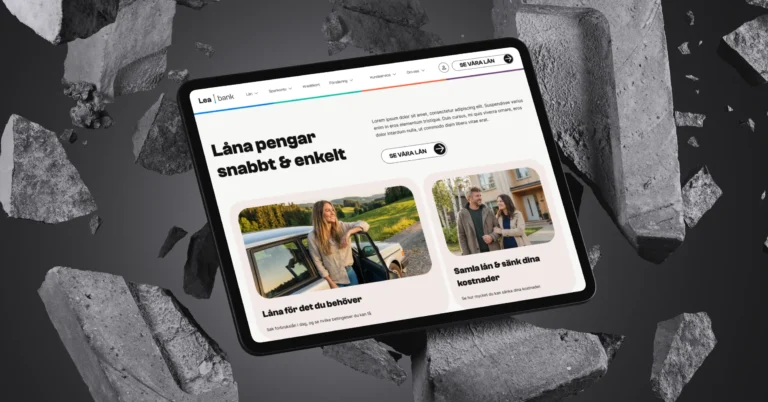 Client Case: Lea BankLea Bank rebuilt its digital platform with Strapi, React, GrowthBook, GA4, and BigQuery to improve SEO, A/B testing, and marketing autonomy.Read the case
Devies
Want a second opinion?
Devies, a Gothenburg-based product and engineering consultancy, works on questions like this with Nordic product and IT teams. Tell us where you are and we will suggest a sensible first step.
Frequently asked questions
What is the difference between a UI designer and a UX designer?
A UX designer works out whether the product solves the right problem and designs the flows and structure that let people reach their goals. A UI designer designs the visible interface for those flows: layout, typography, colour, components and states. The roles overlap in interaction details and accessibility. Many small teams hire a product designer who covers both, usually with a stronger leaning towards one side.
Does a UI designer need to know how to code?
A UI designer does not need to write production code, but should understand how HTML, CSS and the team's component framework work. That knowledge makes designs faster and cheaper to build, because the designer knows which patterns are standard and which are expensive. The most valuable skill is being able to discuss states, spacing, responsive behaviour and focus with developers in their own terms.
What tools does a UI designer use?
Most UI designers work in a collaborative design tool such as Figma, where they build screens, component libraries and prototypes and share them with developers. They also use the browser itself: inspecting built pages, checking contrast and testing with keyboard and zoom. The tool matters less than the discipline of keeping components and tokens in the design file aligned with the components in code.
When should a company hire a UI designer?
Hire a UI designer when the product's flows already work but the interface looks inconsistent, every new screen is designed from scratch, or developers keep inventing their own patterns. A UI designer is also the right first step when you need a design system or must fix accessibility issues such as contrast and target size. If users fail at core tasks, start with UX work instead.