UX, Design & Accessibility
Guides to user research, prototyping, design systems and accessibility: WCAG, EN 301 549 and the accessibility laws, and how to build and test usable products.
All UX, design and accessibility articles
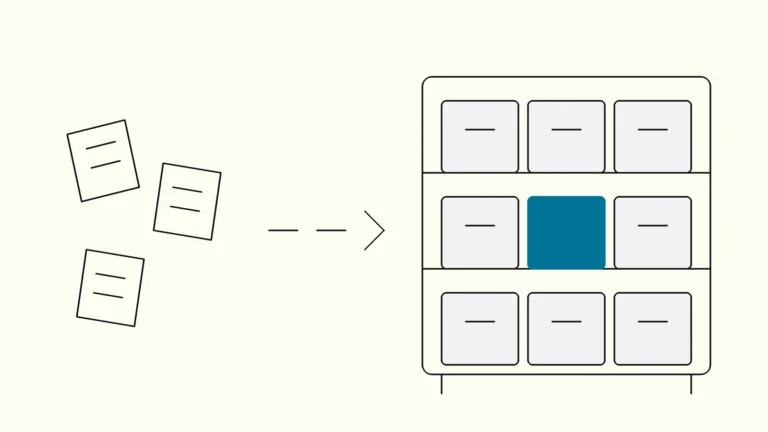
Information architecture: structuring content so people find it
An eight-step guide to organising and labelling a website, intranet or product so that people find what they need, tested with users before anything is built.
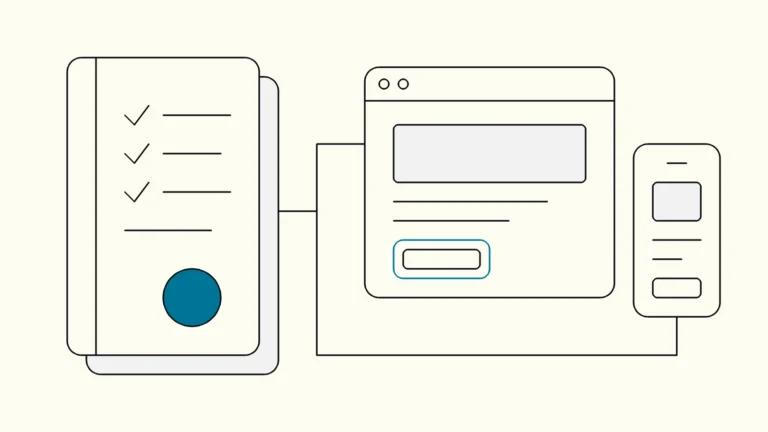
Accessibility requirements in procurement: what to put in the tender
How public and private buyers turn accessibility into requirements that suppliers can price, prove and keep meeting after go-live.
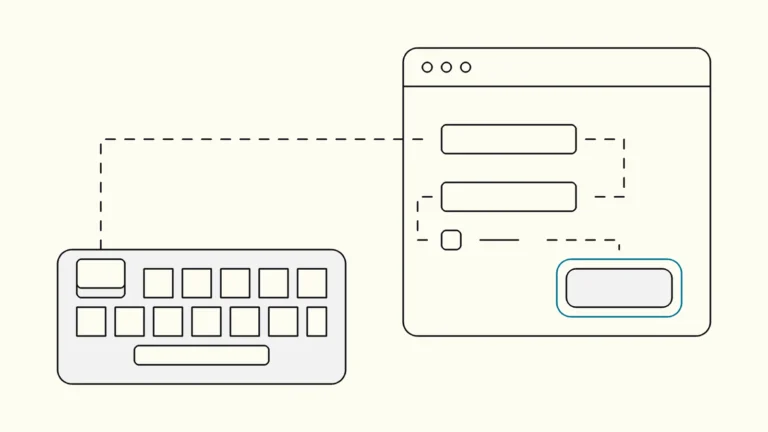
Keyboard accessibility explained: focus, order and traps
What it means for an interface to work without a mouse, the WCAG criteria behind it, the failures that block users, and how to test it.
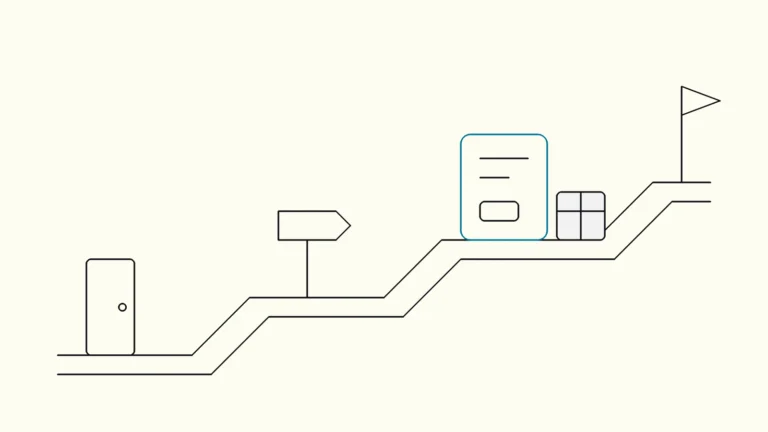
UX or UI design: what is the difference and who do you need?
UX and UI are often used as if they meant the same thing. They do not, and the difference matters when you write a job ad, scope a project or wonder why a beautiful product still loses customers.
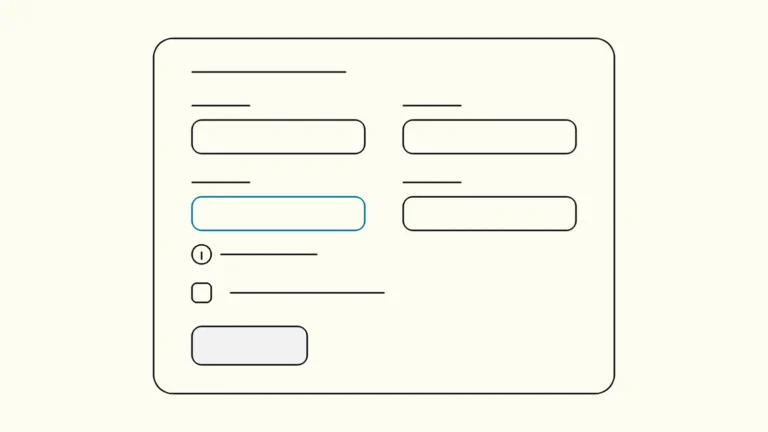
Accessible forms: labels, errors and validation that work
Ten steps for sign-up, checkout and contact forms that everyone can complete, mapped to the WCAG 2.2 AA criteria behind them.
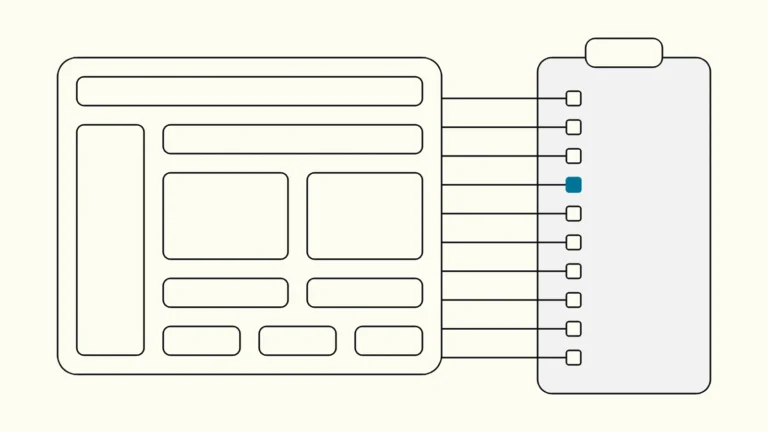
WCAG 2.2 AA checklist for product teams
All 55 level A and AA success criteria grouped into ten checks that match how designers, writers and developers actually work.
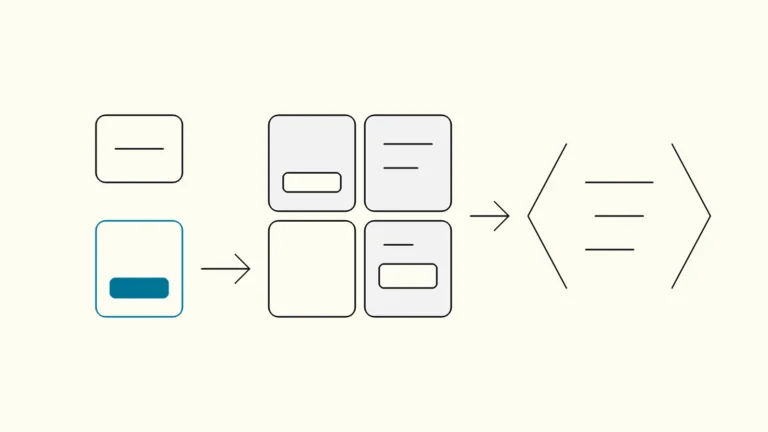
Design systems from Figma to code
How a design system connects UX, UI and code, shortens lead times and keeps the product consistent.
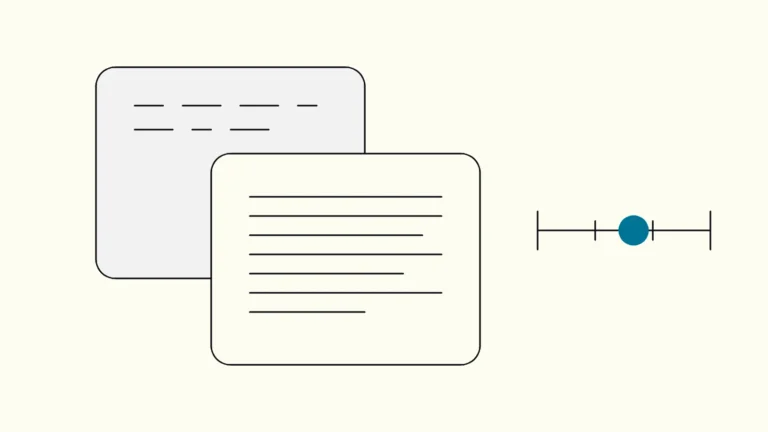
Colour contrast explained: the WCAG ratios and how to test them
What the 4.5:1 and 3:1 ratios measure, where they apply, what is exempt, and how design and development teams test it before release.
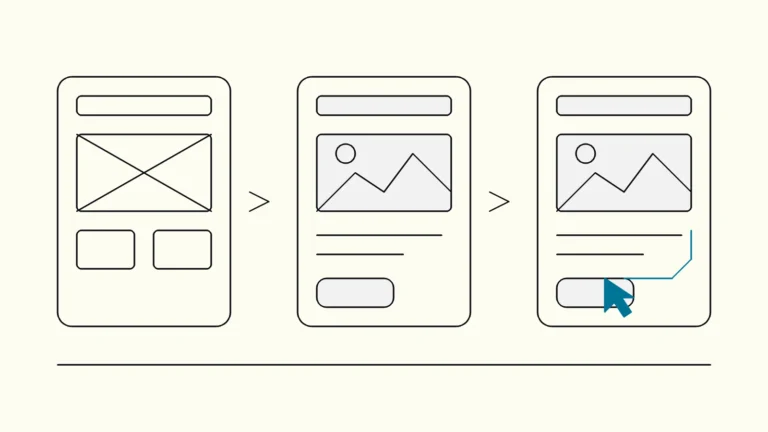
Wireframes, mockups or prototypes: what to make and when
A plain comparison of the three most common design artefacts, what question each one answers, and how to choose the cheapest one that still gives you a reliable answer.
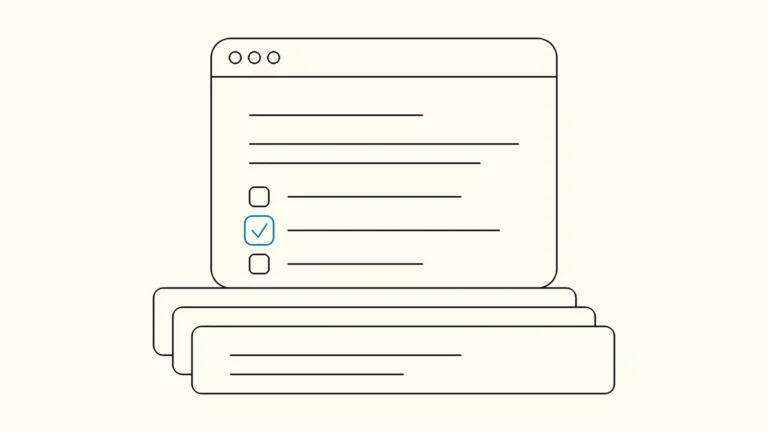
How to write an accessibility statement that holds up
The six parts Swedish rules require, the evidence each claim needs, and a routine that keeps the statement true after every release.
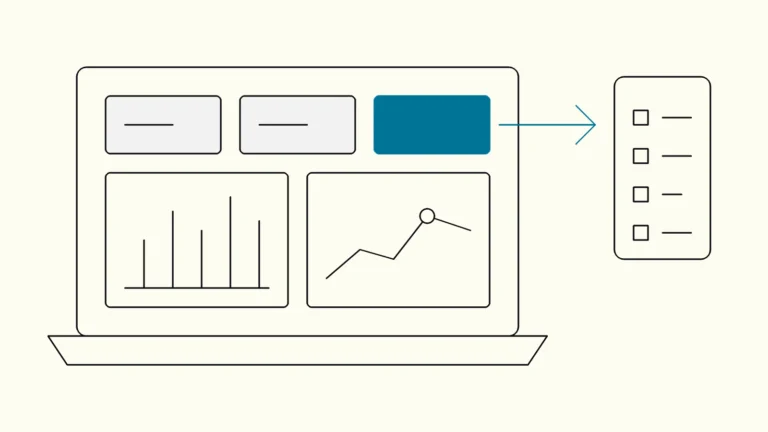
Dashboard design for B2B products
How to design dashboards inside a B2B product that customers and operators actually rely on, from the first question to charts, data states and the build-or-embed decision.
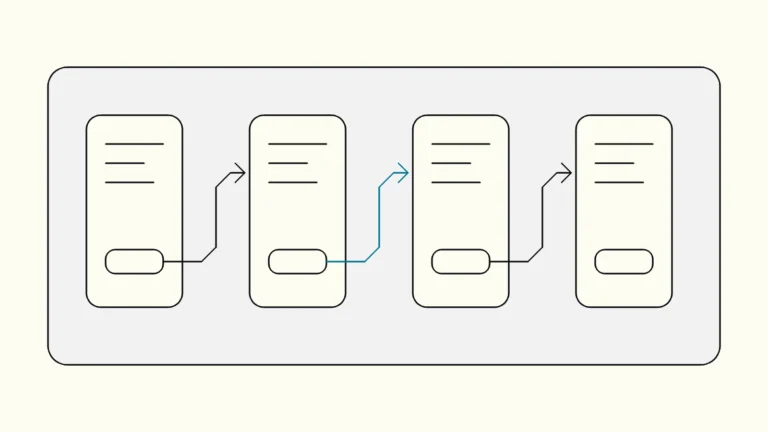
Prototyping in Figma: from flows to testable prototypes
A practical eight-step method for turning static Figma screens into a prototype that real users can try, and that tells your team something useful.
Screen reader testing for developers: NVDA, VoiceOver and TalkBack
Which screen reader and browser to test with, the handful of commands you actually need, and a short routine that finds the problems automated tools miss.
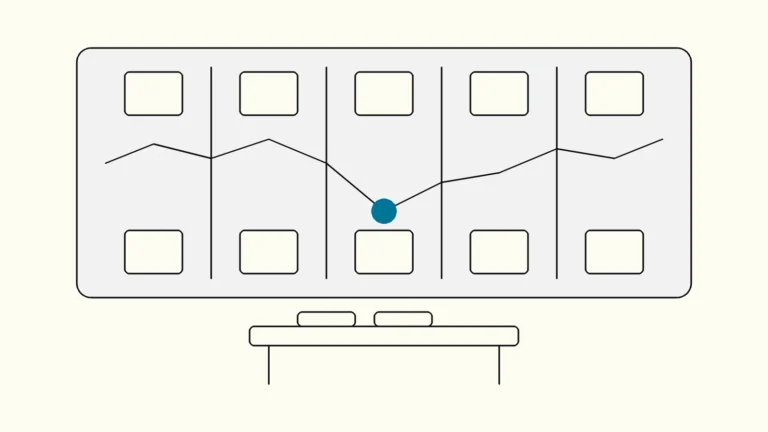
Customer journey mapping: from workshop to backlog
How to map a customer journey with the people who own it, and turn the result into backlog items the team will actually build.
Usability testing on a budget: a lightweight method for product teams
How to plan, run and act on a small usability test in about a week, without a lab, a research team or a large budget.
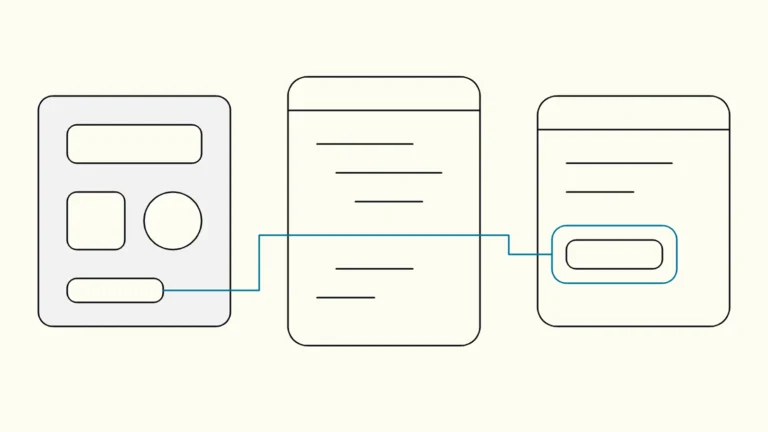
Web accessibility from design to code: building universal design into product teams
How designers, developers, content authors and product owners can share the work, so accessibility is built in every sprint instead of patched before launch.
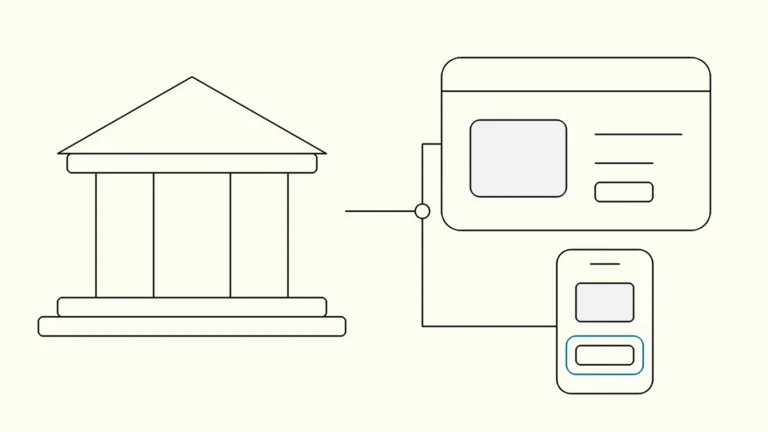
The Swedish DOS law (lagen om tillgänglighet till digital offentlig service): requirements for public-sector websites and apps
Who the law covers, what it requires of websites and apps, how DIGG enforces it, and the first steps for a public body or a publicly funded provider.
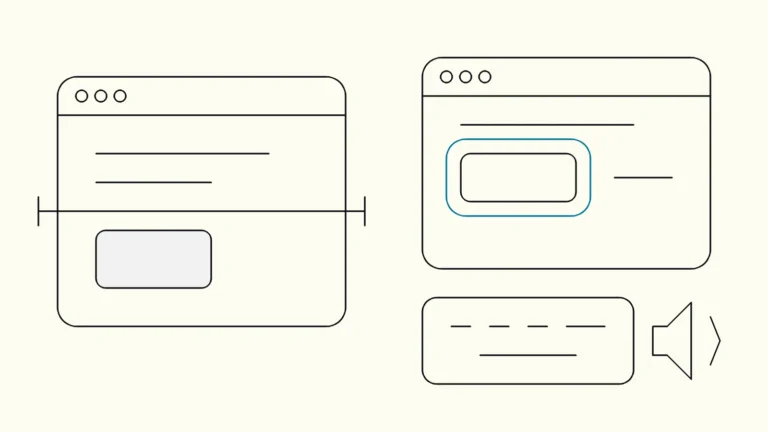
Automated accessibility testing or a manual audit: what do you need?
What an automated checker can and cannot tell you, what a manual audit adds, and how to decide which one your product needs now.
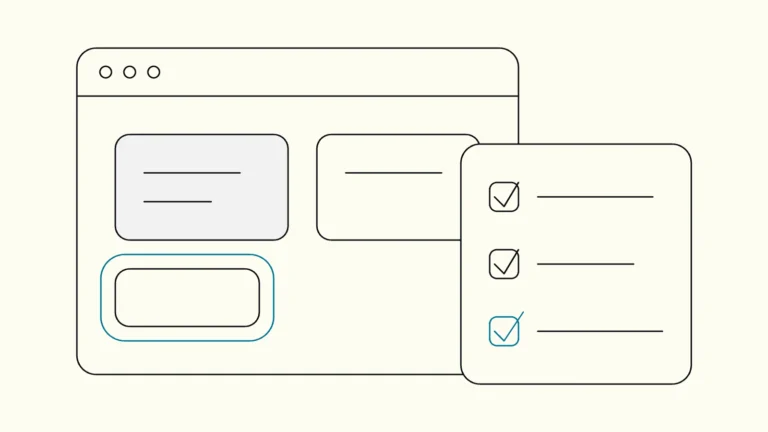
WCAG 2.2 in practice: the criteria and how to test
What is new in WCAG 2.2, what level AA means, how EN 301 549 fits in, and a method for testing your website and app.